Auto Presentation Switcher
Admin
Buy from $40/yr

Getting started

These articles should tell you how to use Auto Presentation Switcher (APS) in the simplest possible way from the user-interface and with keyboard-shortcuts.

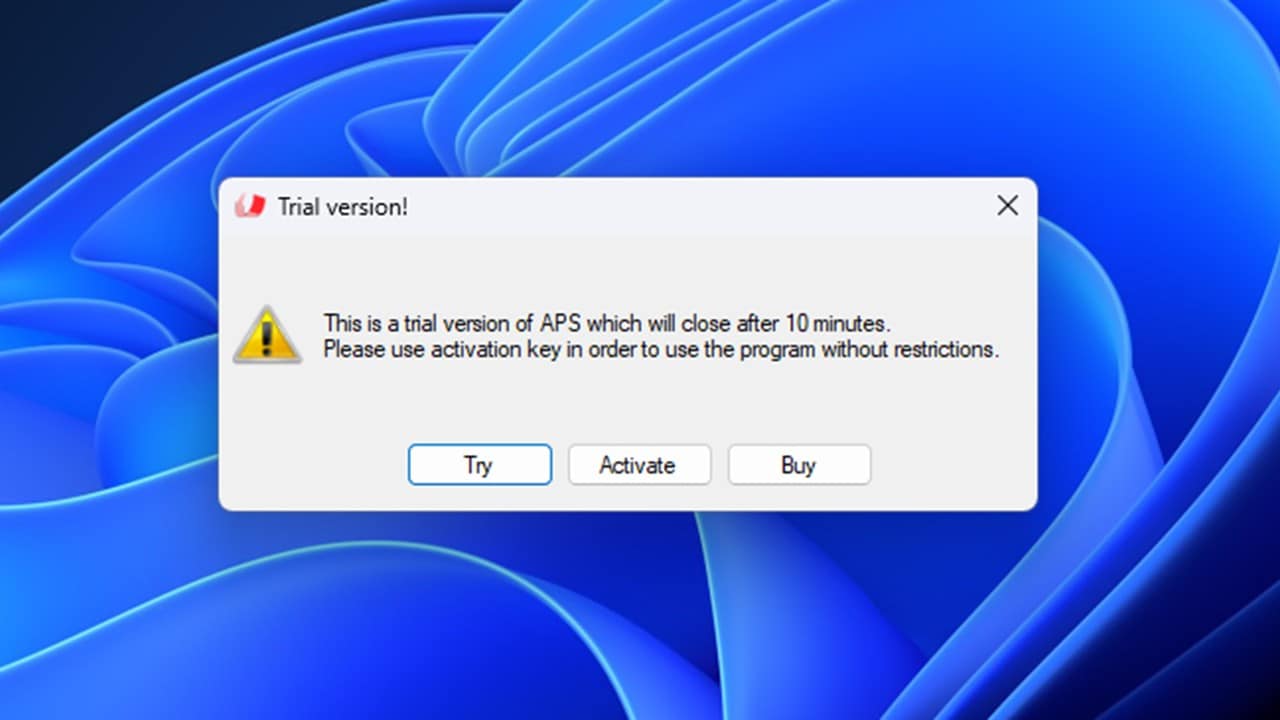
A pop-up window displaying a warning about a trial version of software called APS that will expire in 10 minutes. The window includes buttons labeled 'Try,' 'Activate,' and 'Buy,' along with a caution symbol.

Getting Started Guide

Get started using APS. Learn how to download and start the program, and prepare yourcomputer for presentation-control. Both Mac and PC there are some security-permissions you need to give to ensure that the presentations can be remote-controlled.
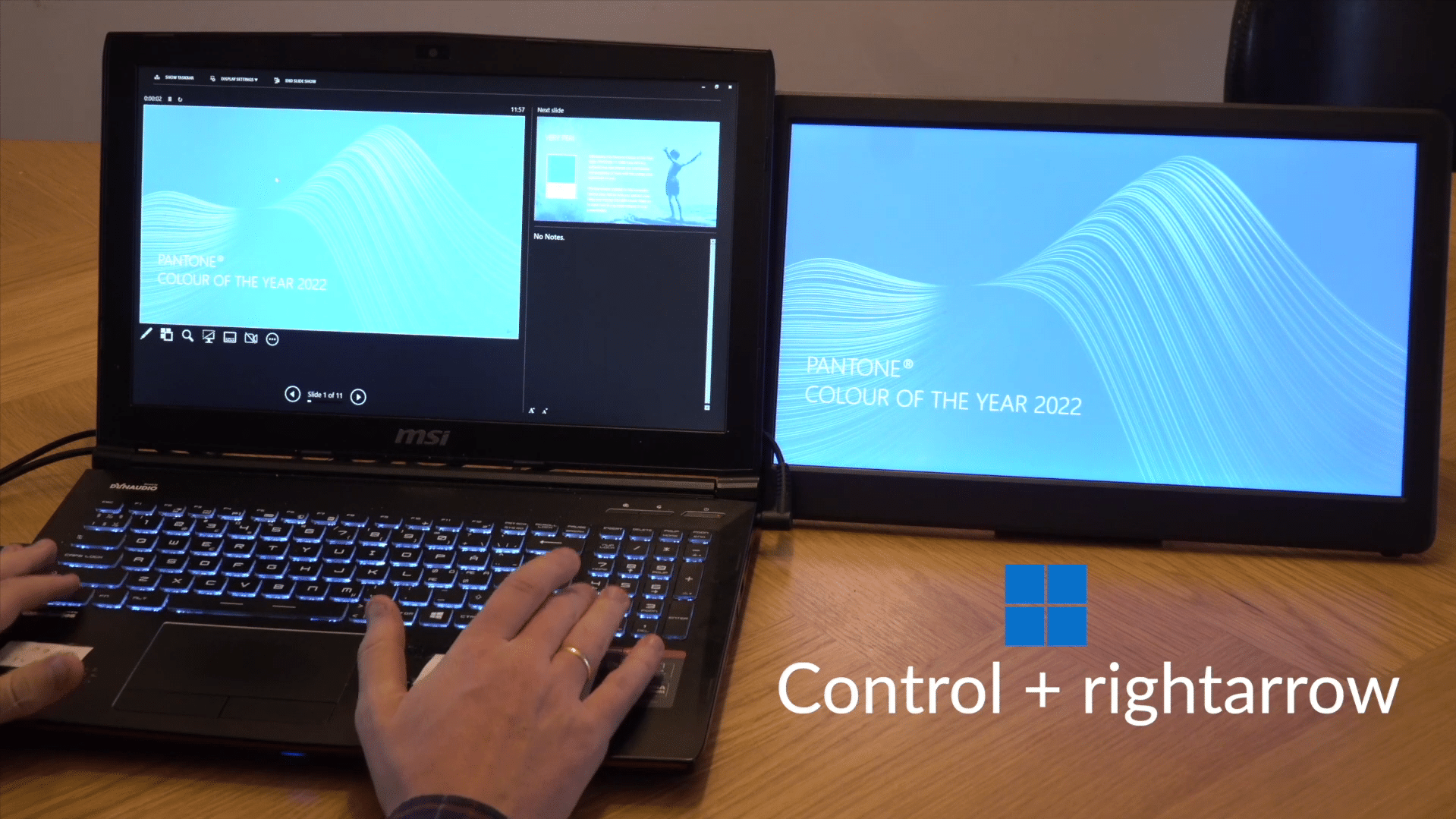
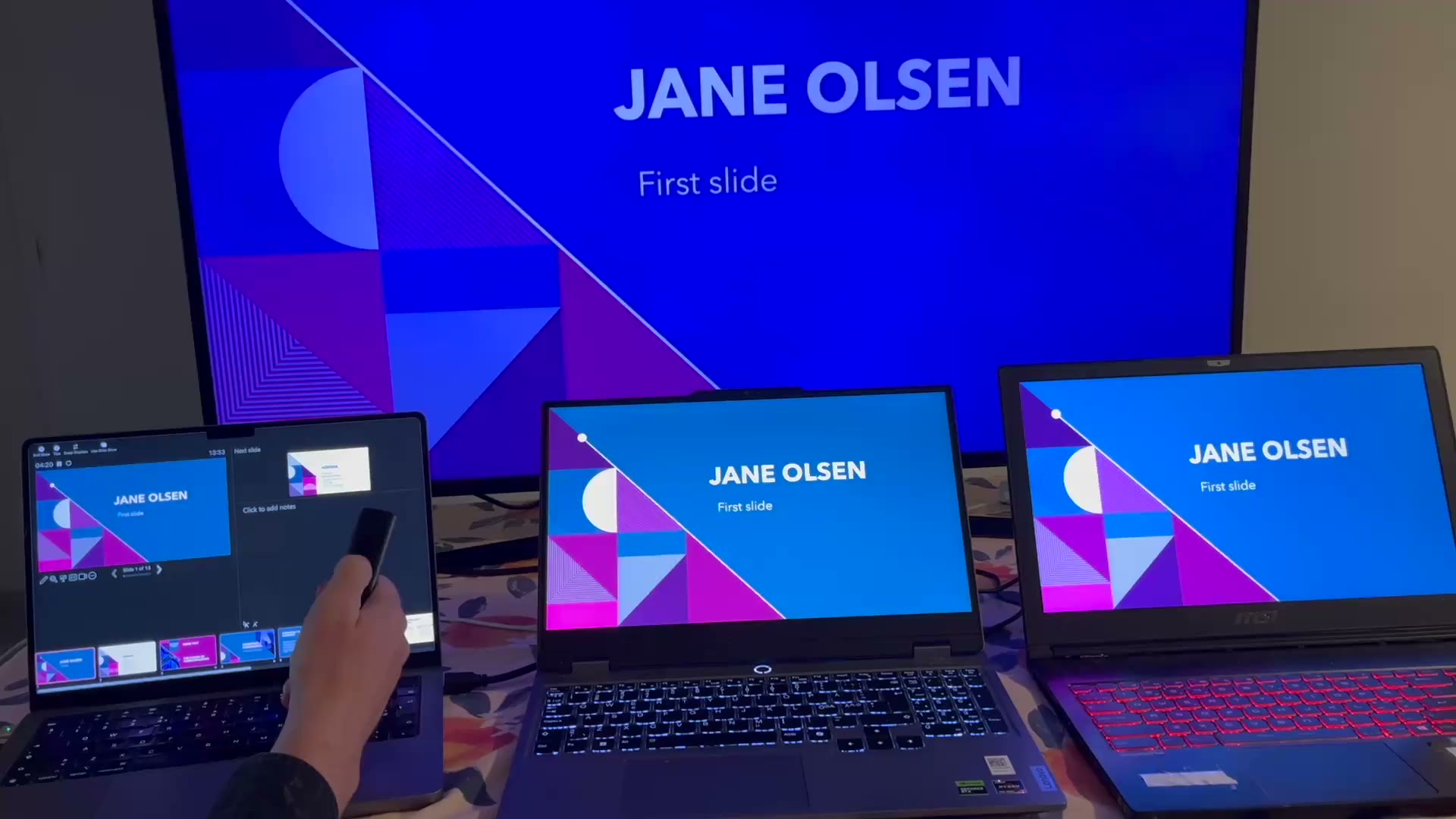
A person using a laptop with a backlit keyboard, displaying a presentation about Pantone's Color of the Year 2022. A second screen shows the same content, with text indicating the keyboard shortcut 'Control + right arrow'.

Control APS with keyboard shortcuts

You don't need Companion or the user-interface to switch presentations or display images: Our global keyboard-shortcuts can perform the most basic operations of the program, and they will work also when the APS user-interface is not active.

Link PowerPoint and PDF Presentations with a Presentation Clicker

Forget the hassle of merging PowerPoint presentations into one large file: With the presentation-linking feature, APS ensures that when you are at the end of a presentation, clicking "Next" on the presentation-clicker will take you to the next presentation in the folder.

Control APS with Companion

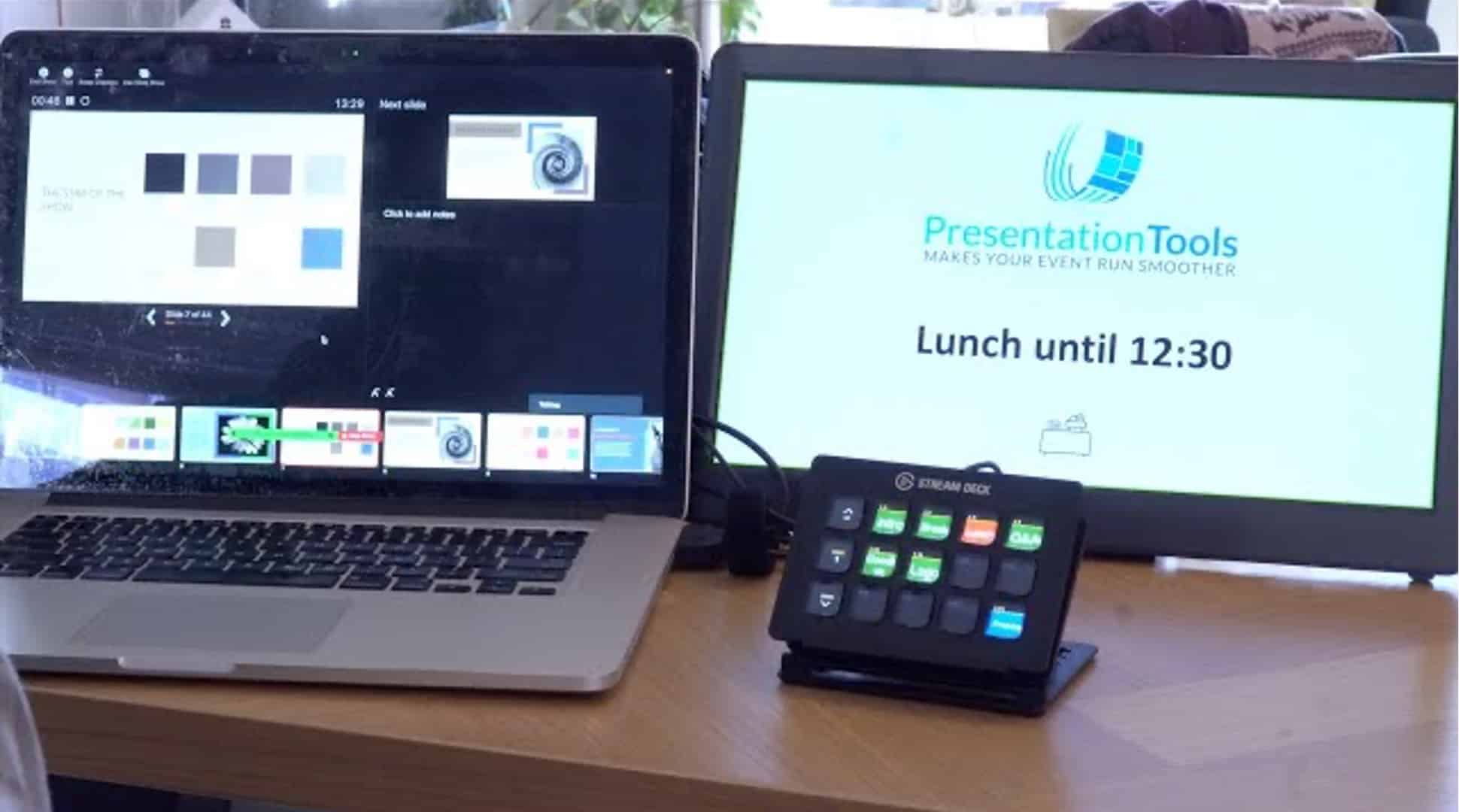
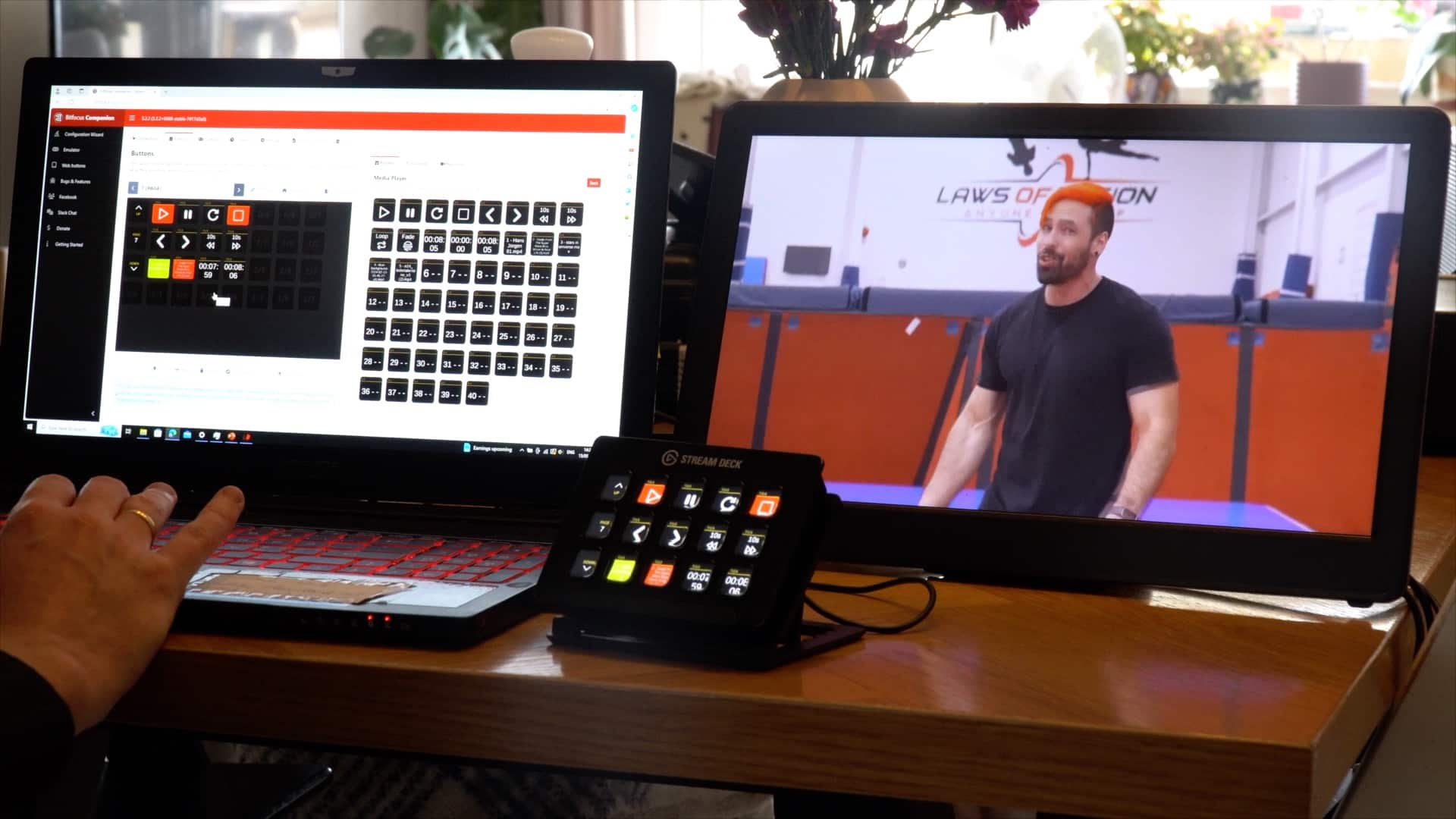
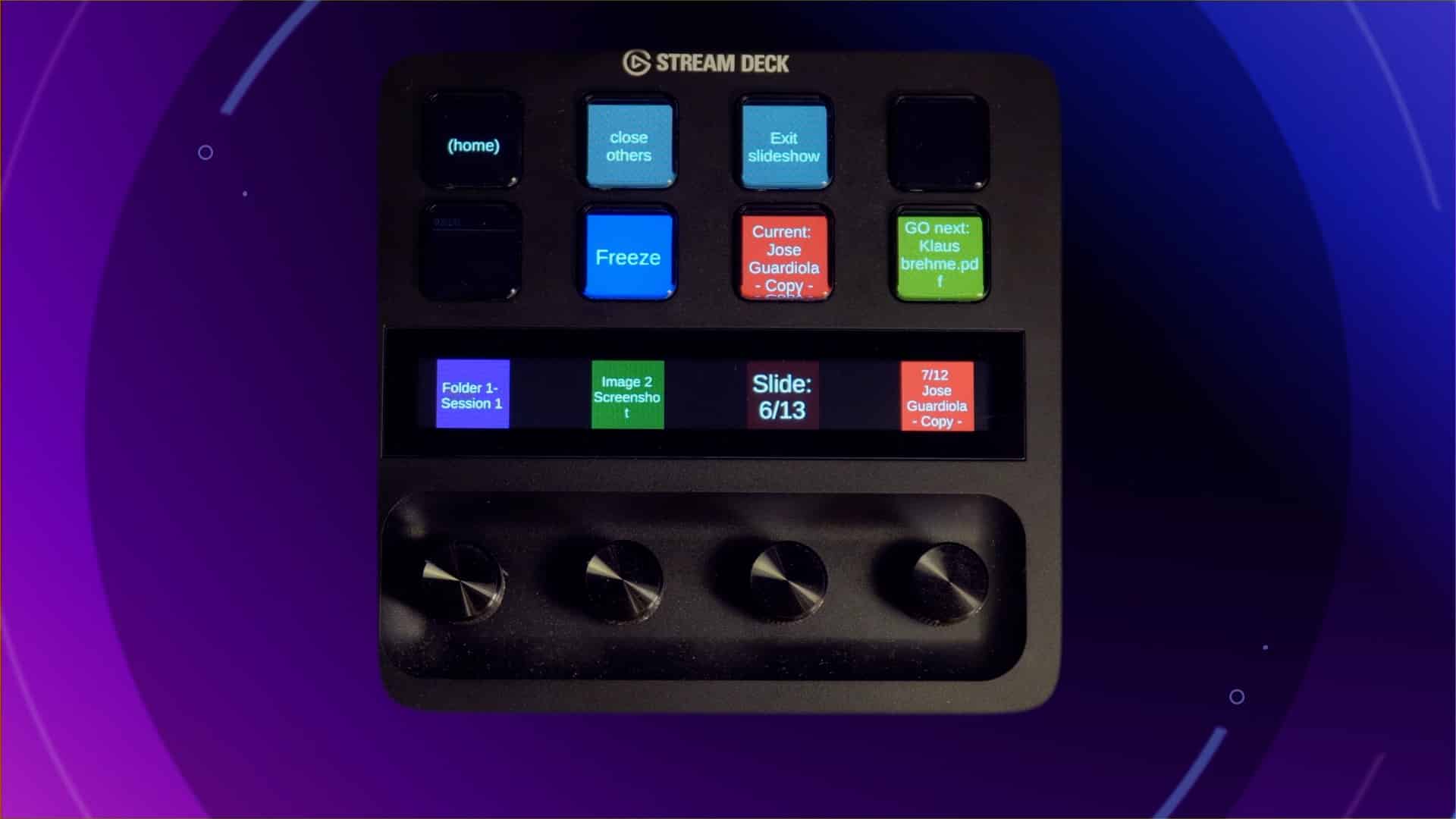
To unleash the full potential of APS, you should pair it up with the Companion software and a Stream Deck controller. This gives you dedicated buttons to start presentation, control slides and more, and with LAN connection, you can control APS from any device on your network.

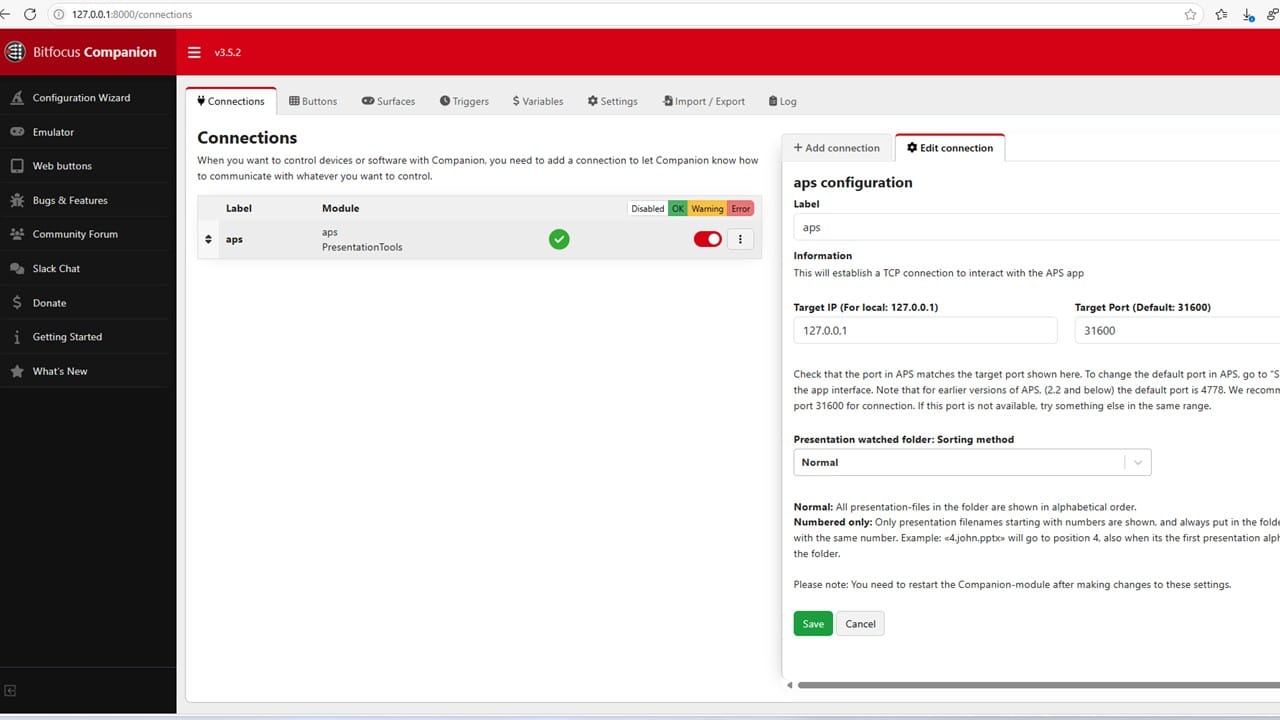
A computer screen displaying the Bitfocus Companion interface. The left panel shows a navigation menu with configuration options, while the right panel contains connection settings with fields for target IP and port configuration.

APS Companion connection guide

We go through the steps for connecting APS to Companion on the local network, and show some commands you can use to test that everything is working properly.

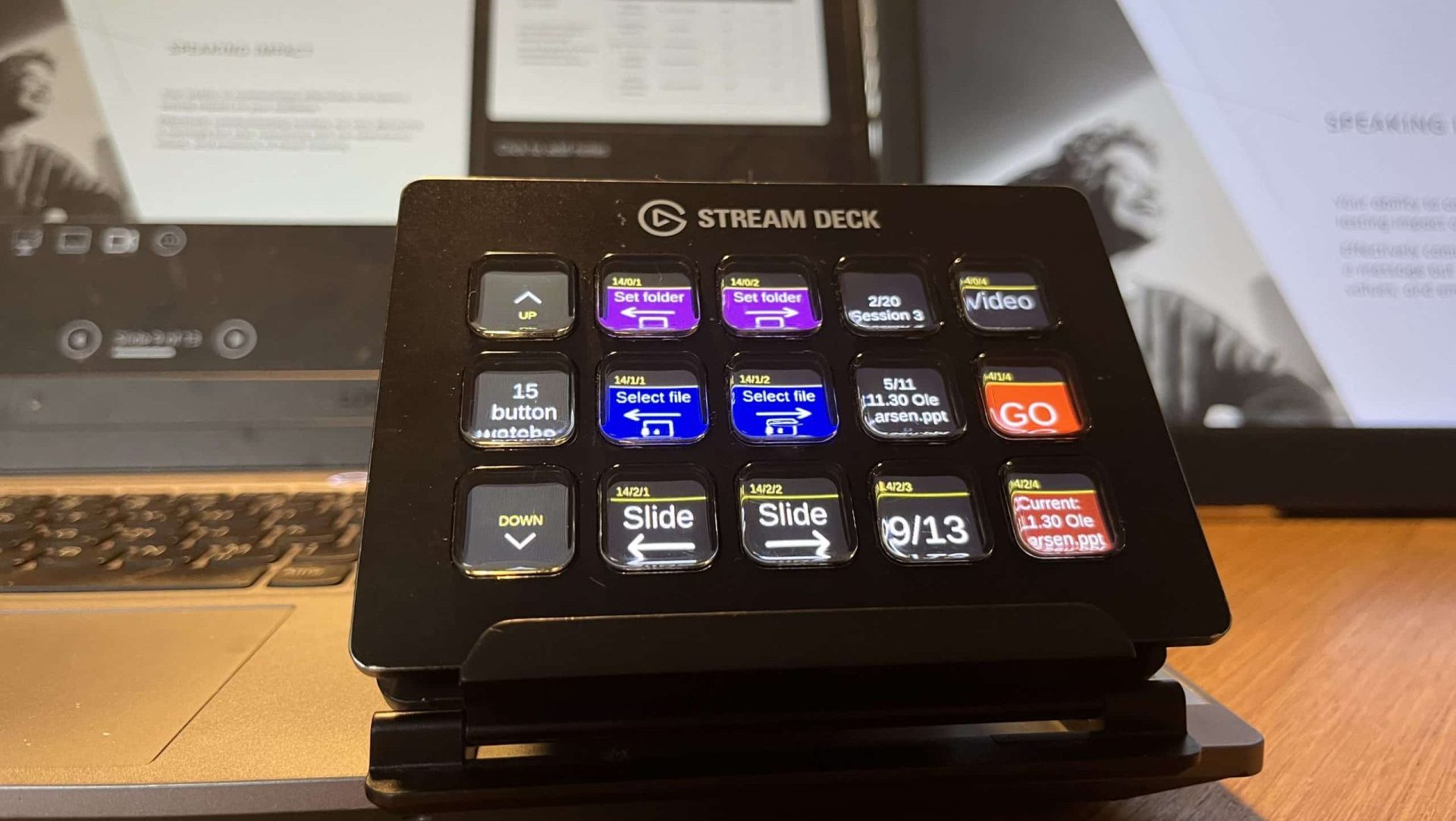
A close-up view of a Stream Deck device on a wooden desk, with colorful buttons labeled for functions like 'Video' and 'Slide.' In the background, there are two screens displaying presentation slides and a document related to a speaking event.

Companion pages for APS

Download Companion pages for controlling APS through Stream Deck. We have made pages customized for Stream Deck XL, + and MK2, controlling presentations, media and web-pages.

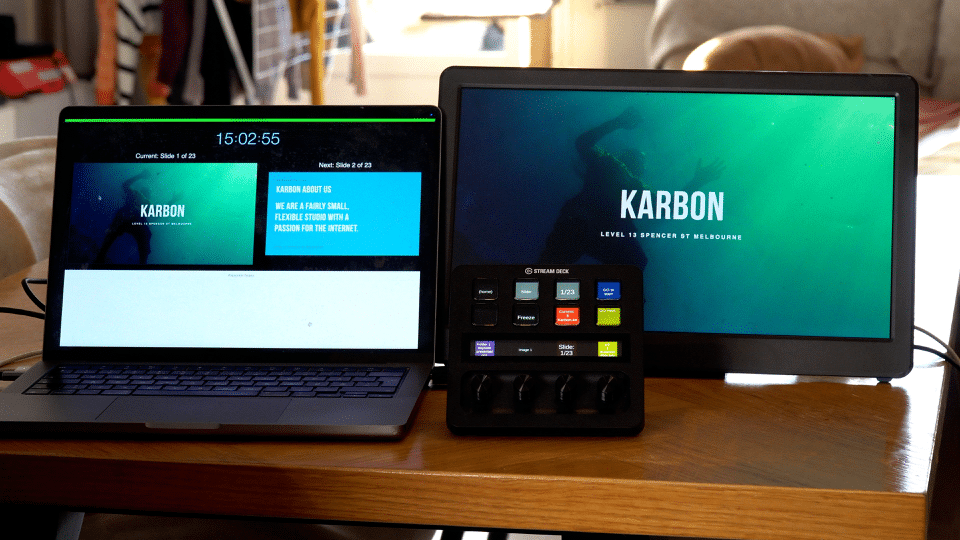
A laptop and a monitor set up on a wooden table. The laptop displays a timer and text labeled "KARBON," while the monitor shows a centered graphic with the same label. A control panel with buttons is placed in front of the monitor.

Control Keynote with Companion and Stream Deck

Keynote for Mac is a popular presentation-format for professional speakers that want to engage their audience. With APS you can control Keynote-files, advance the slides, and get real-time updates on the presentations.

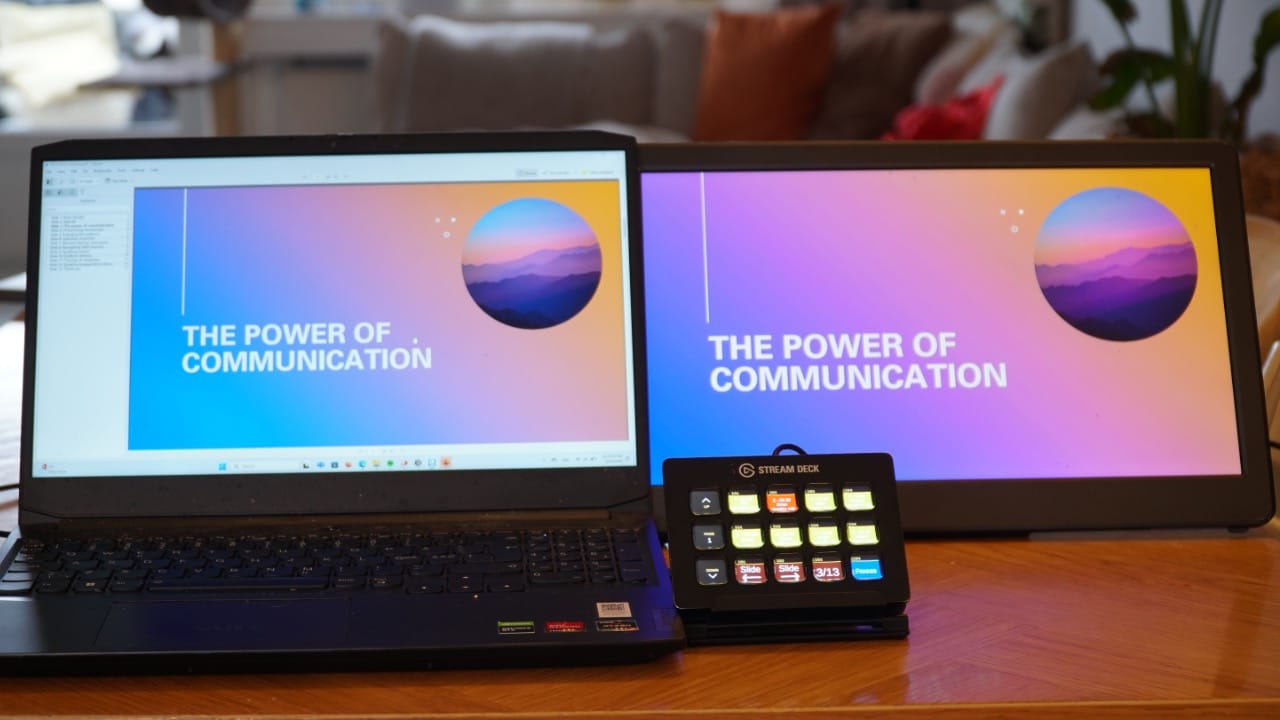
Control PowerPoint with Companion and Stream Deck

PowerPoint is the industry-standard for presentations. And APS has a rich integration with PowerPoint for Mac and Windows, with commands and feedback that shows the status of the presentations and files.

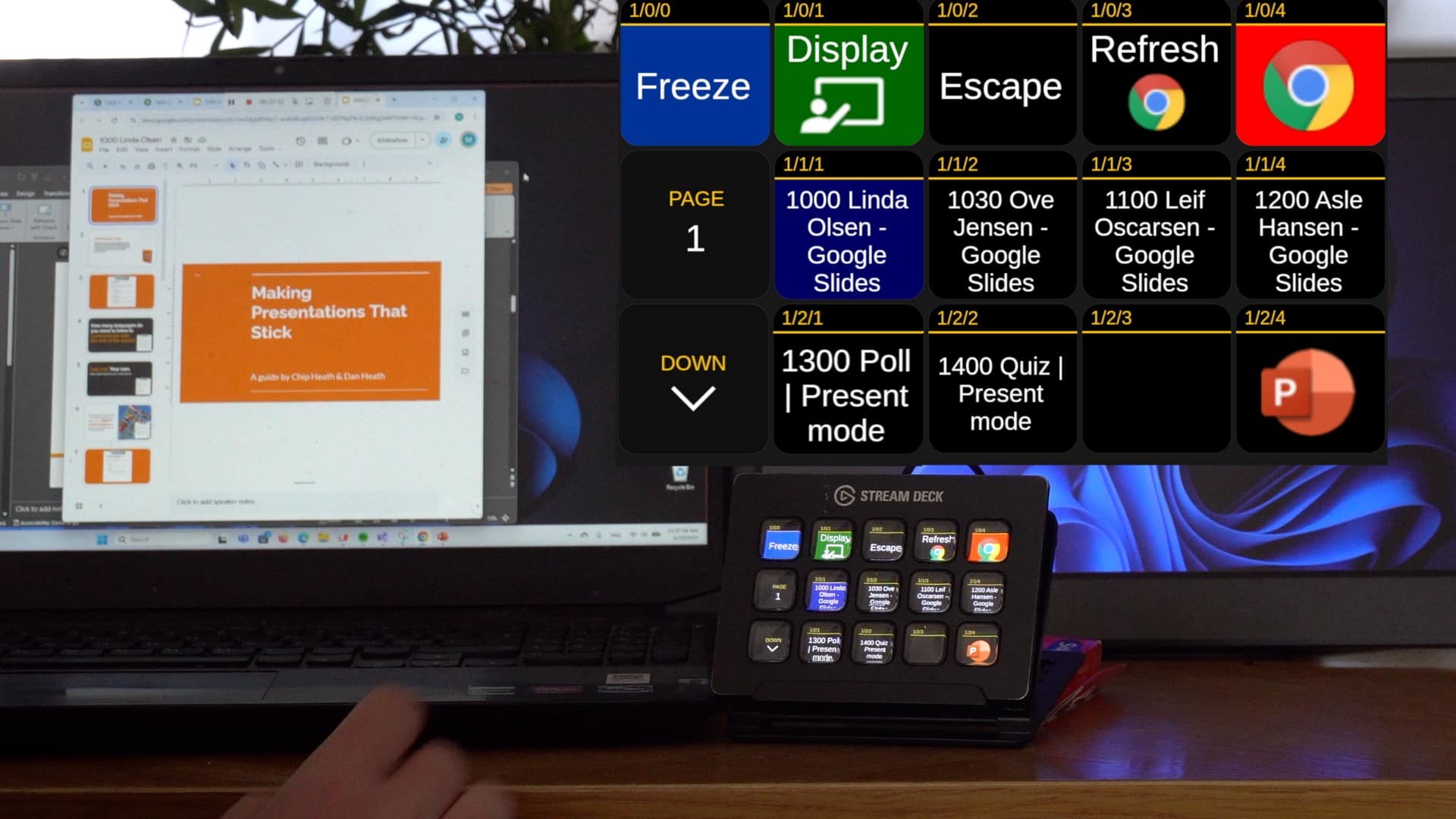
A person's hand is seen on a laptop keyboard next to a screen displaying a presentation titled "Making Presentations That Stick." A digital control panel with buttons is in the foreground, showing options like 'Freeze', 'Display', and 'Refresh'.

Control web apps in Google Chrome with Companion

Control Google Chrome tabs like Slido and Google Slides using Stream Deck and APS. This new feature is designed for AV technicians who want faster, more reliable control of web content during live events - with fewer mouse clicks.

APS workflows

Auto Presentation Switcher (APS) is used by AV-technician to get better control of the presentations and media-content. In these articles we discuss what role APS can have as a part of a bigger AV-setup.

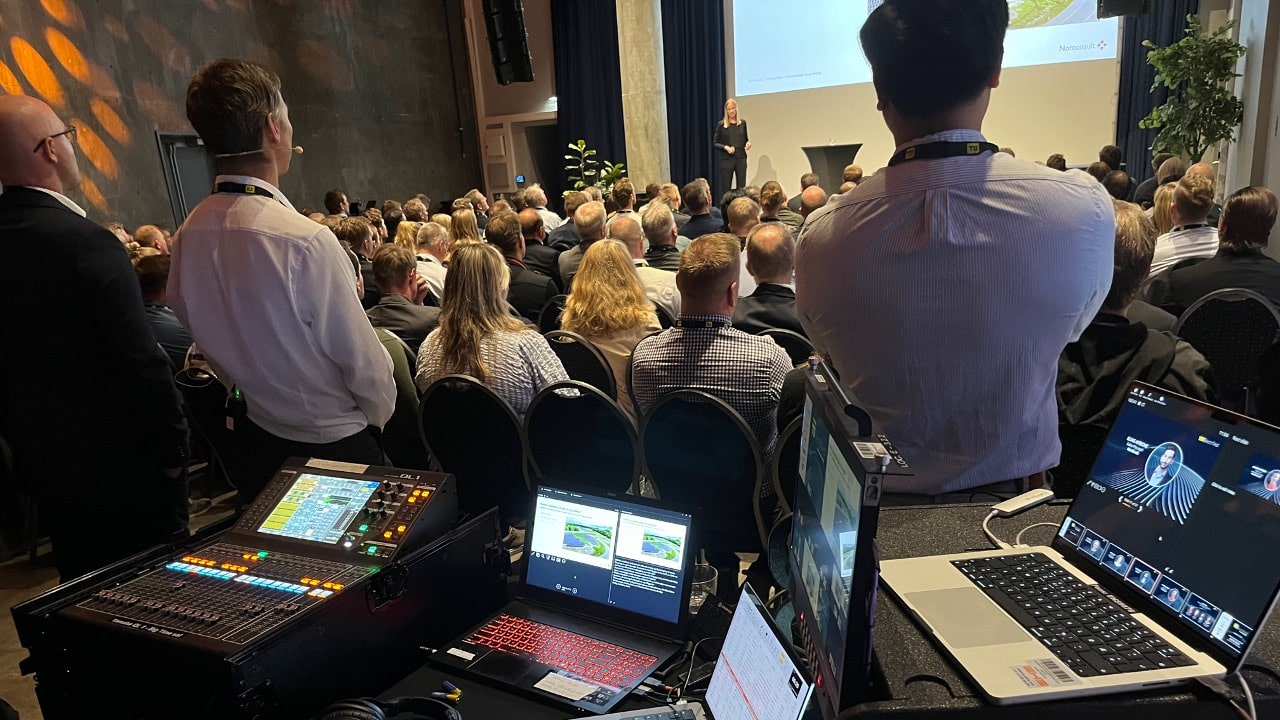
A conference presentation in a large auditorium with a large audience. In the foreground, audio-visual equipment, including a control panel and a laptop, captures the event. A speaker is visible on stage.

Should you play videos outside PowerPoint?

As an AV-technician on corporate events you will receive presentations with embedded videos. Is it safe to play them from PowerPoint, or is it better to move them to an external player? The short answer is: It depends on who will push "play".

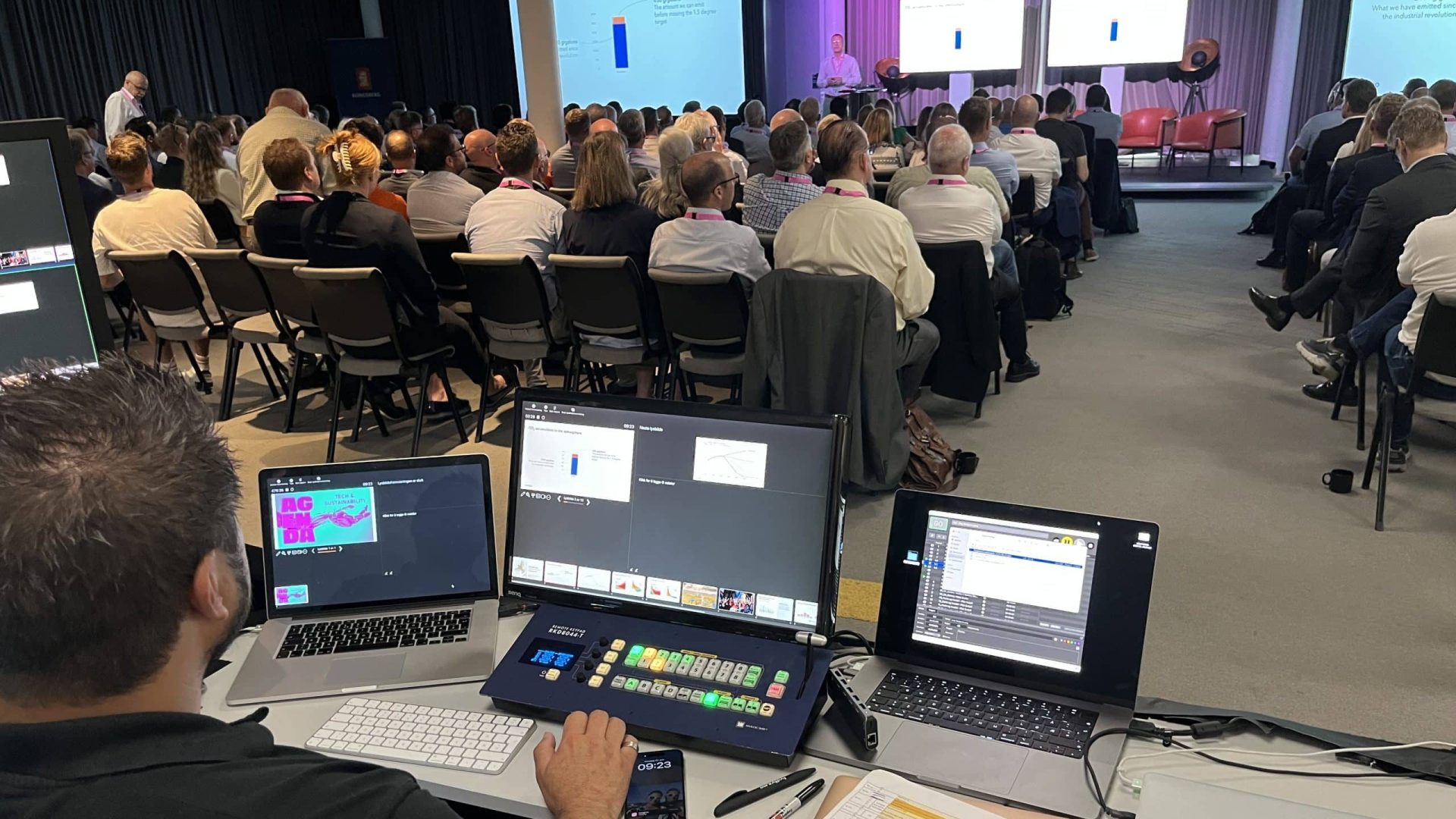
A group of men in suits waiting in line, holding tablets, in front of a stage with a speaker and a presentation screen. In the foreground, an operator manages equipment at a control desk with multiple monitors.

APS for corporate events: Solving the clicker-problem

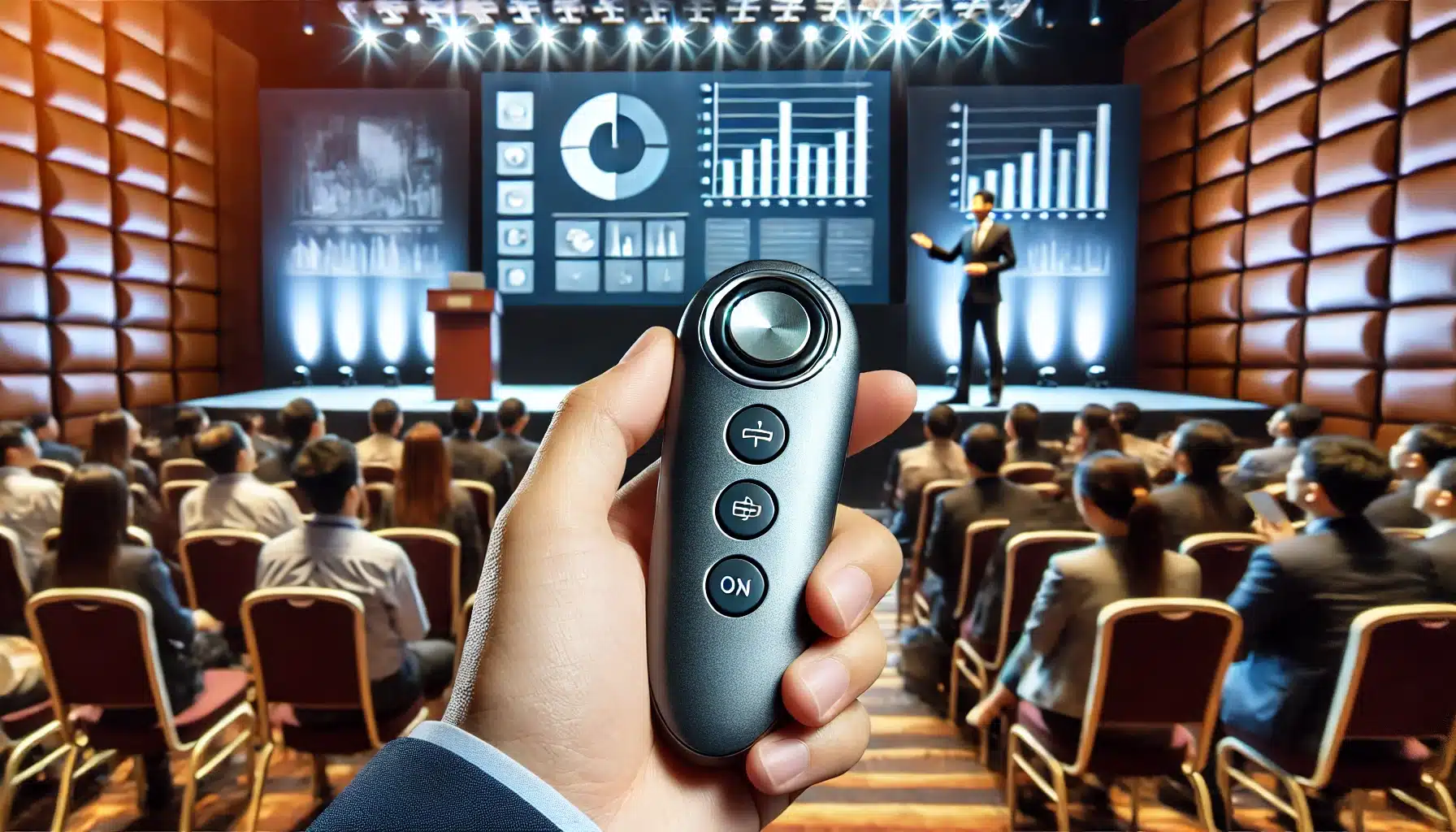
How do you handle presentation-clickers as an AV-technician on corporate events? In this article, Morten tells about his disasterclass with clickers in the beginning of his career. And we explain how APS makes it easier to intergrate clickers in your setup.

A/V technician controlling presentations

How to combine and merge PowerPoint-presentations

We show you different ways to combine PowerPoint presentations for Mac & PC: Copy & paste slides, use hyperlinks or let APS do the job. And you will learn one very important lesson when pasting slides: Pay attention to the formatting options!

PDF-presentations in live AV

PDF is a great format store and share documents, but it has some drawbacks when used to display presentations on conferences and events. By using APS, dealing with PDF becomes much easier.

More info about APS

The user-guides should tell you all you need to know about APS. And with the public API, you can build your own applications that controls APS over the network.

Logos of a technology company and Windows operating system on a blurred background of people seated in an auditorium.

APS User Guide PC

This is our official reference-guide for everything concerning APS for Windows. A copy of this guide is also available in PDF-format from the program-interface, in case you dont have Internet-access

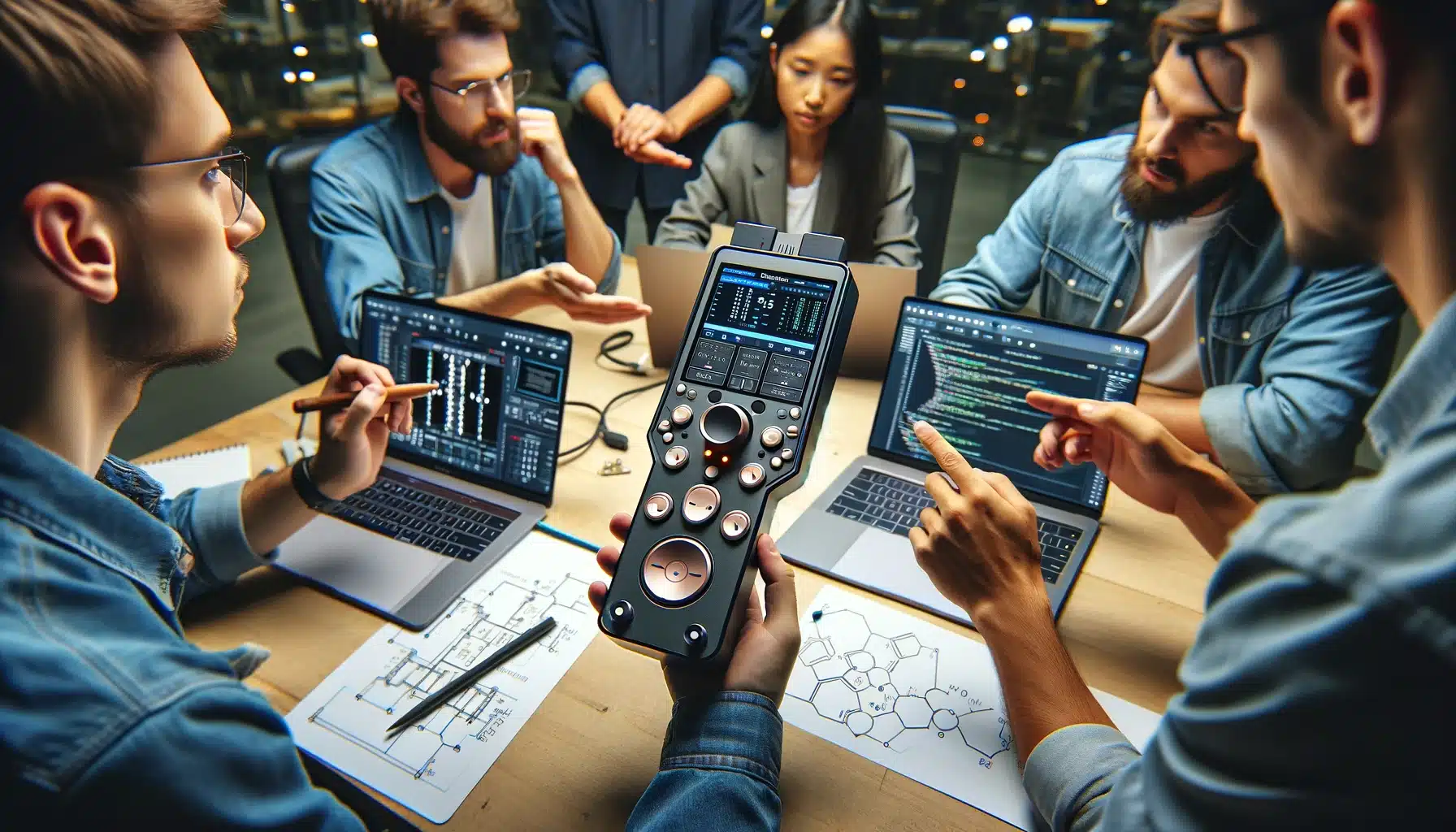
A team of five people gathered around a table, discussing programming and technical concepts. One person is holding a sophisticated device, while laptops displaying code and technical diagrams are open on the table.

aps api

The APS API lets you control and monitor our app using http-commands. This page gives you all the necessary information needed to get starting making custom APS controllers.

A blurred background of a conference room filled with people, with a red abstract logo on the left and the black Apple logo on the right.

APS User Guide Mac

Everything you need to know about APS for Mac. We keep a separate guide for Mac and Windows since there are some differences in how APS works on these platforms.