

Play videos outside PowerPoint?
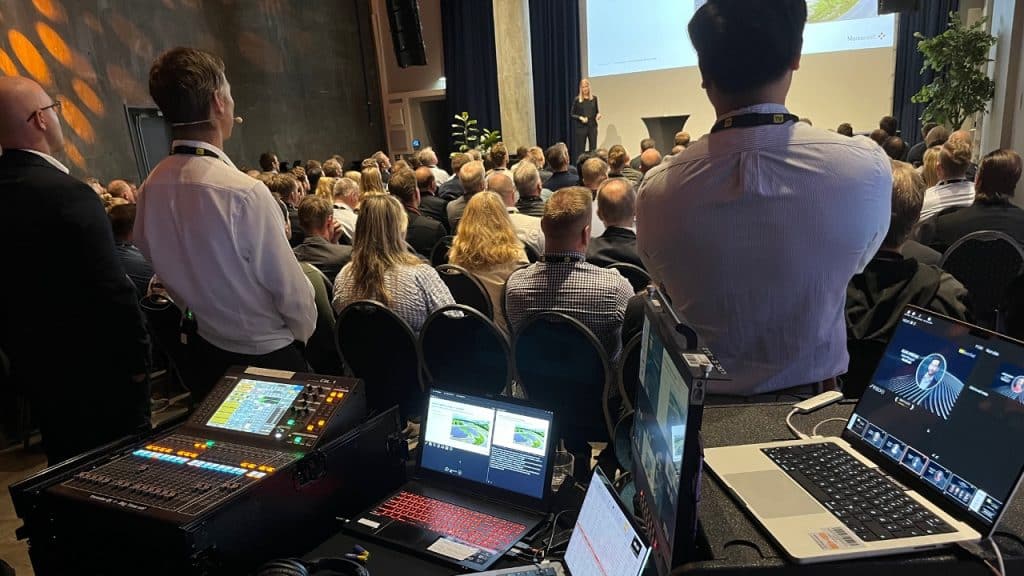
As a corporate AV-technician, its your job to make sure that the presentations, videos, and online presenters are shown on the projector and the stream. Some of the presentations will have embedded videos. How do you deal with this? Is it OK to play them directly from PowerPoint? Or is it better to use an external video-player for this?
10 years ago, if you asked the average AV-technician in Norway, the answer would be that you should try to avoid this whenever possible: PowerPoint has had a rumour of screwing up video-playback, not accepting video-formats and so on. So if your job as an AV-technician was to display presentations and videos on corporate events, you would need to remove the videos from PowerPoint and play them from a different machine, using software like Qlab, Show Cue Systems or a hardware solution.
Today, if you use a powerful PC/Mac for your presentations, I believe that embedded movies in PowerPoint should run fine most of the time. But still, I think there are other reasons why you still should consider using a separate media-player for video-playback. And it’s not only about technical performance:
It’s a question of who should push “play” on the video.
Sometimes the presenters and hosts don’t want to trigger the video. They have so much to think about and don’t want the responsibility of making sure that the video plays correctly at the right time. Then it can become a problem if the video is a part of a presentation that the presenter/host controls with a presentation-clicker: Its very easy for the presenter to accidentally trigger the video, or the thought of this happening can be a stress-factor. A better solution then can be to make sure that the clicker can never trigger the video, by moving the video-playback out of PowerPoint.
(What has failed me in the past is not to be clear about who has the responsibility for starting the video. This can easily lead to a situation where neither the presenter or the AV-technician dares to play the video, or they both push “play” at the same time, leading to skipped video.)
So this is another reason why external video-playback is still essential for corporate AV. And with this in mind we developed the new media-player for Auto Presentation Switcher: Its the only video-playback solution where you can play your videos seamlessly on top of PowerPoint presentations, on the same PC. By using a Stream Deck with Companion, you get complete control of your videos with play-buttons and monitoring. The AV-technician can then play the videos whenever they want, and the presenter/host will know that they cant possibly screw it up no matter how trigger-happy they are with the presentation-clicker.