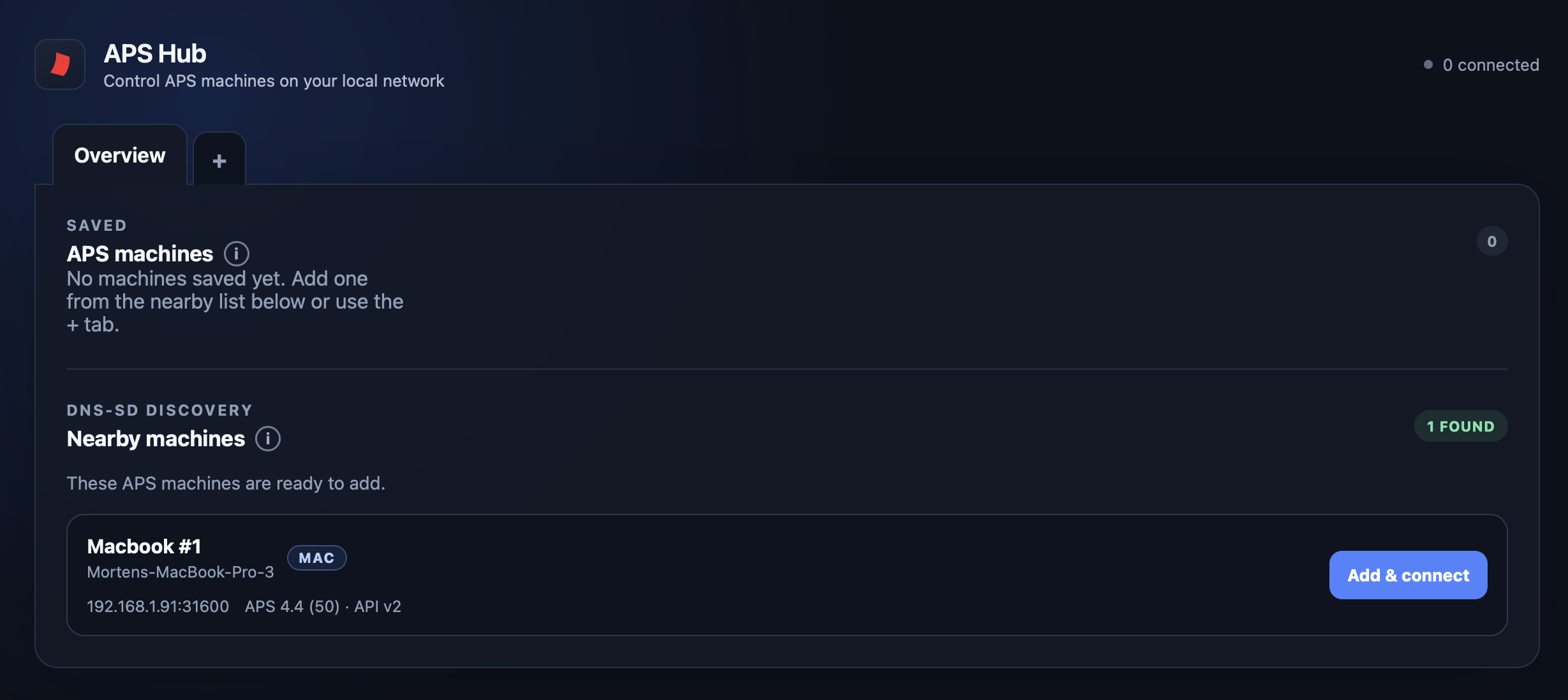
Auto Presentation Switcher (APS) can run a whole sequence of presentations, videos and still images from one computer. But there are good reasons to use more than one: a backup, a separate presenter-view display, or another machine for playback. We built APS Hub to make those computers easier to manage together, from your seat at front of house.
Stay in control while the show runs
Once a presentation computer is live on screen, opening its APS menus can interrupt the show. Hub puts those controls on another computer, in one browser page for the whole setup. See what each machine is showing, change a setting, or send over a corrected deck while the presentation keeps running.
Keep using Companion and Stream Deck for the buttons you press all show long. Hub keeps APS settings within reach without building a button for each one.
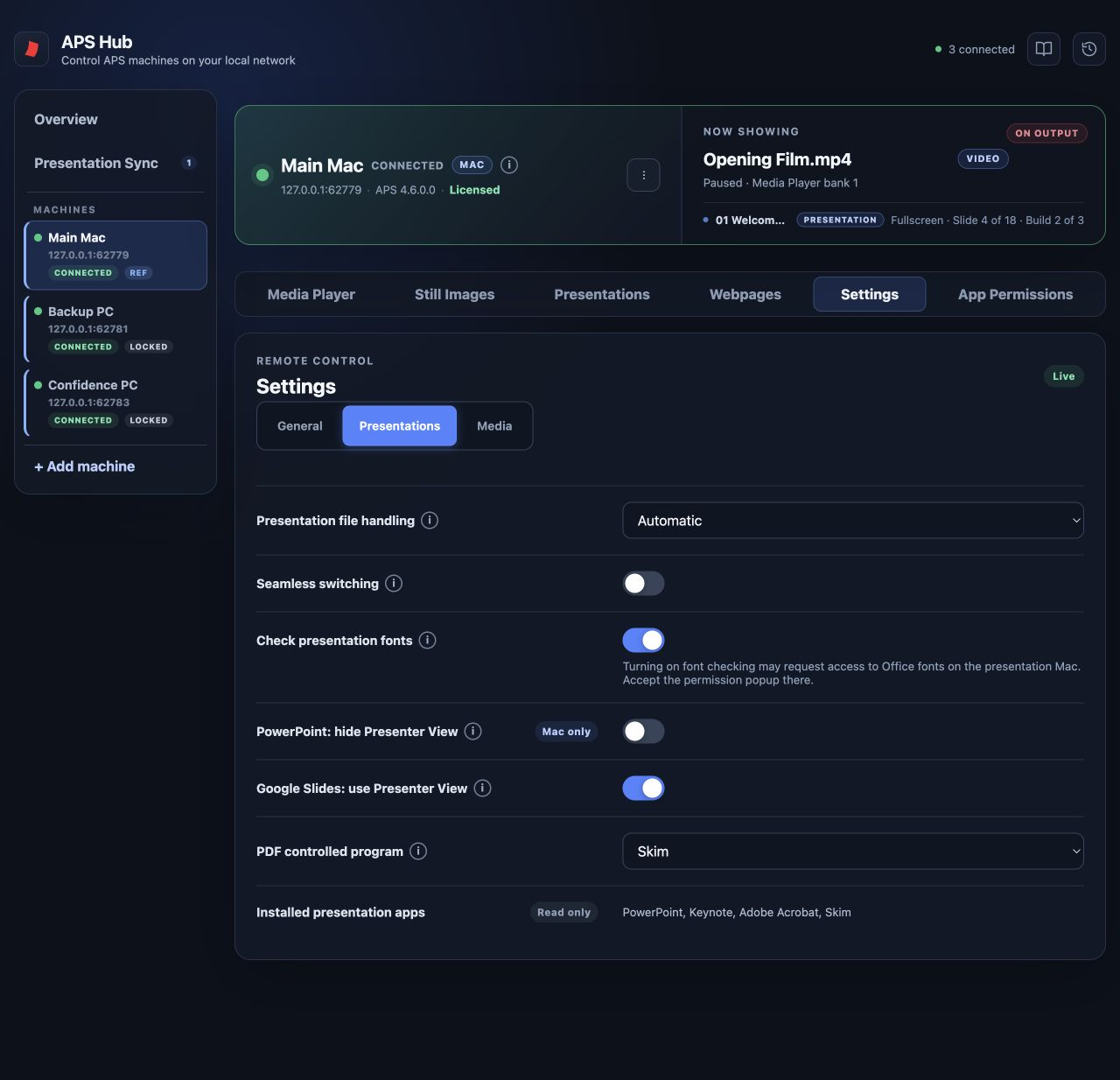
Explore the APS Hub controls and workflows →
Keep main and backup in step
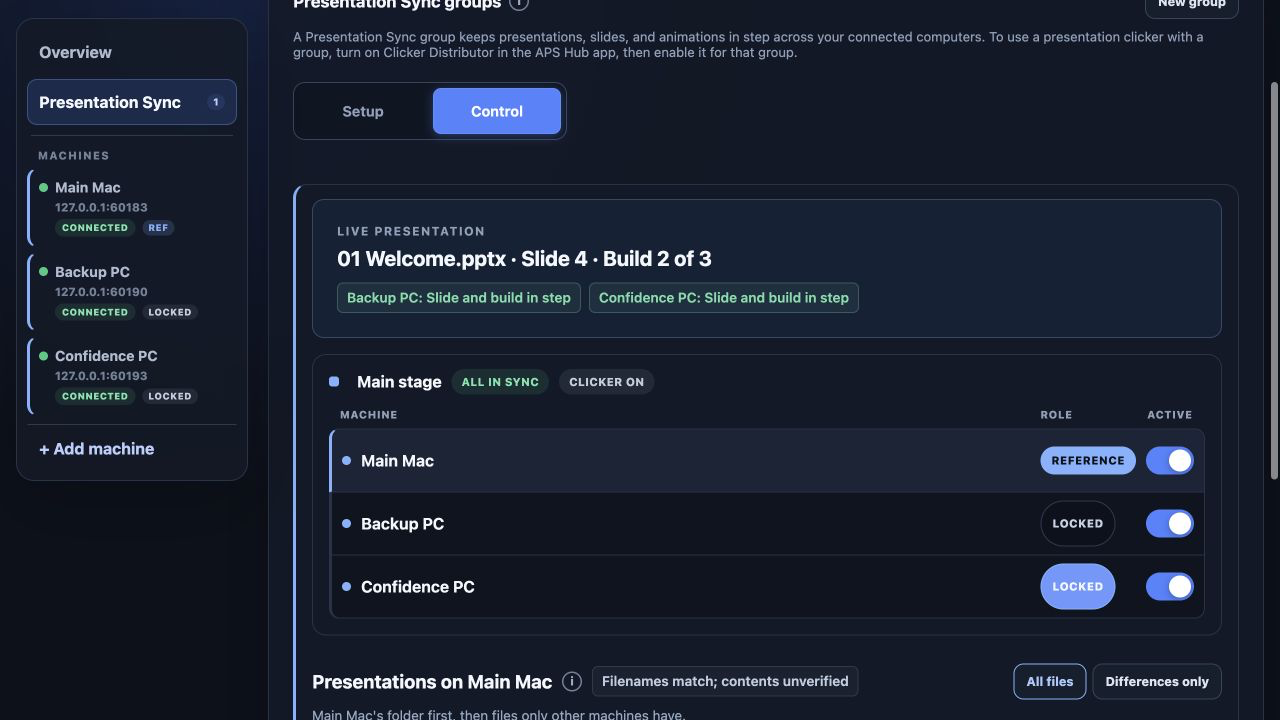
A clicker that advances two computers together works well until one misses a click. From then on, both may keep advancing, but one slide apart. Presentation Sync checks where the computers actually are and corrects those that fall out of step.
Choose a reference computer and let the others follow it. With matching decks prepared on each machine, opening a presentation on the reference opens it on the followers too. Hub then keeps track of the slide and, where supported, the animation step. That means less attention spent keeping the backup ready for a switch.
If you already use a professional clicker system to advance several computers, keep it. Presentation Sync can check their positions in the background.
Watch Presentation Sync in action and explore the supported presentation apps →
One clicker for the group
Sometimes the presenter wants to use their own clicker, or a basic USB clicker is all you have. With Clicker Distributor, a clicker that sends standard Next and Previous keystrokes can control a whole presentation group.
Plug its receiver into the computer running APS Hub. Hub sends the assigned clicks to your selected groups over the local network. Place that computer near the stage, and the clicker's wireless range only needs to reach it; the network carries the commands to the presentation computers.
See how Clicker Distributor fits your setup →
Try APS Hub with your setup
APS Hub is free for Windows and Mac. Install it on your control computer, with APS 4.5 or later and the appropriate APS licences on each presentation computer. APS runs the presentations; Hub brings their controls together.
The download page has both apps, and the Hub user guide takes you through connecting your machines and setting up your first group. Try it with your show files and clicker, and let us know how it works for you.